Pulse counting
Record and view a pulse count input from an emonPi, emonTx or emonTH. Set up the hardware first, see emonPi pulse counting.
Set up input processing
Go to Setup > Inputs. The pulse input for your device is named
pulseorpulsecount.Click the spanner icon on the pulse input.
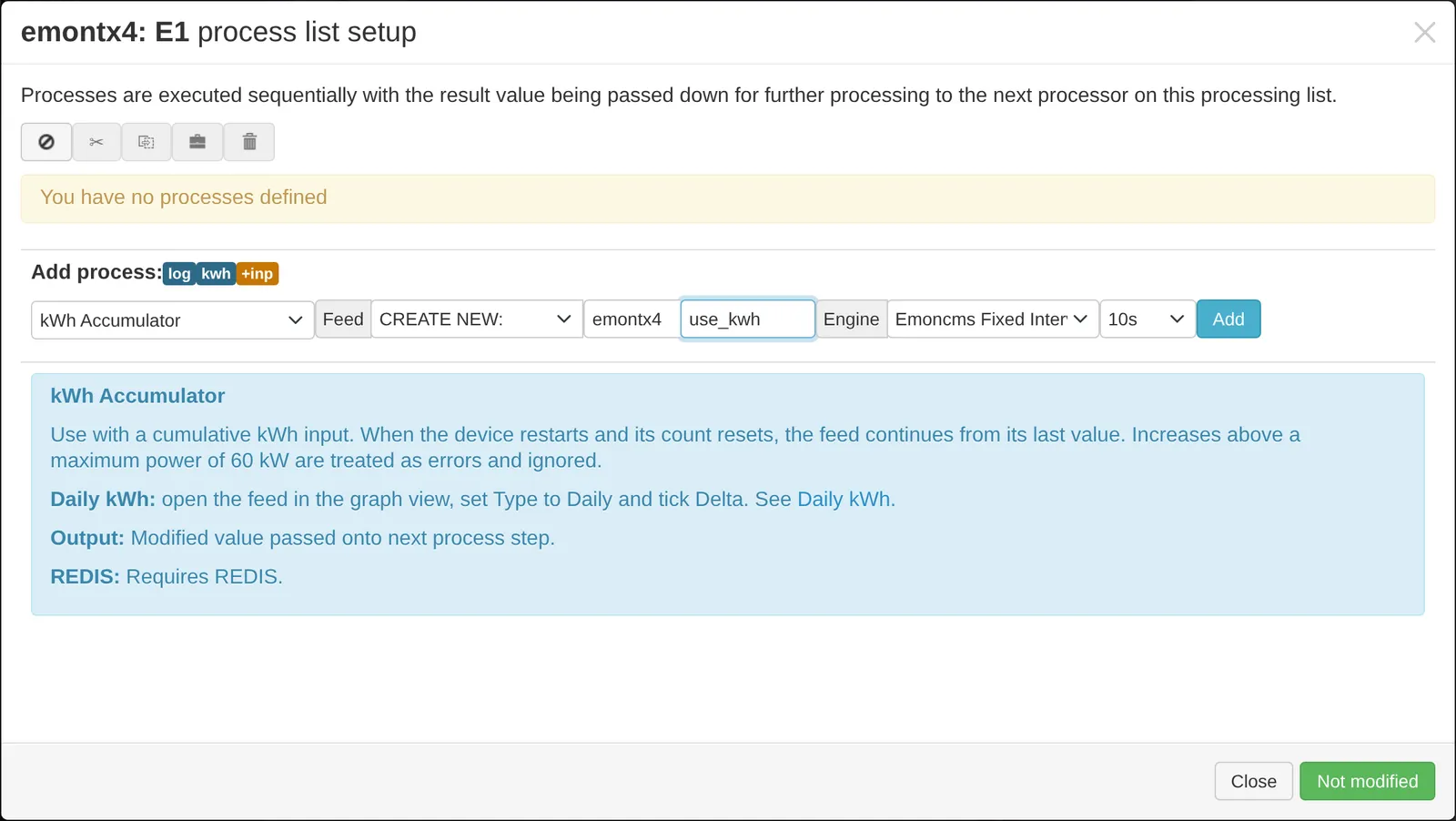
Add Log to feed to keep a copy of the raw pulse count. This step is optional.
Add a x process to convert pulses to kWh. The value depends on your meter. For a meter with 1000 pulses per kWh, enter
0.001.Add kWh Accumulator and create a new feed, for example
import_kwh. It removes the reset in the count when the device restarts.Click Changed, press to save.
View the data
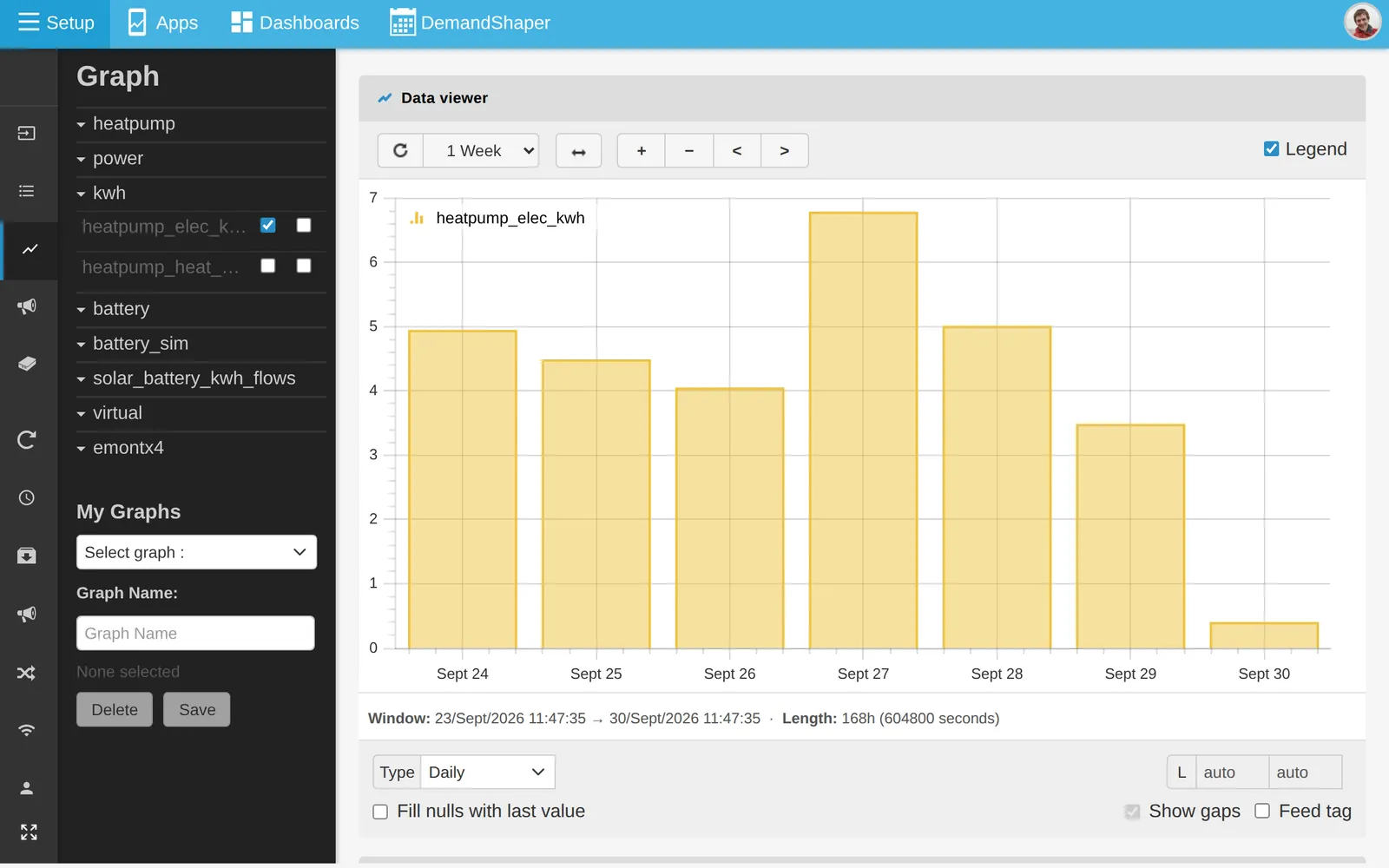
The accumulated feed rises steadily:
For daily totals, open the feed in the graph view, set Type to Daily, set the feed Type to Bars and tick Delta. See Daily kWh.